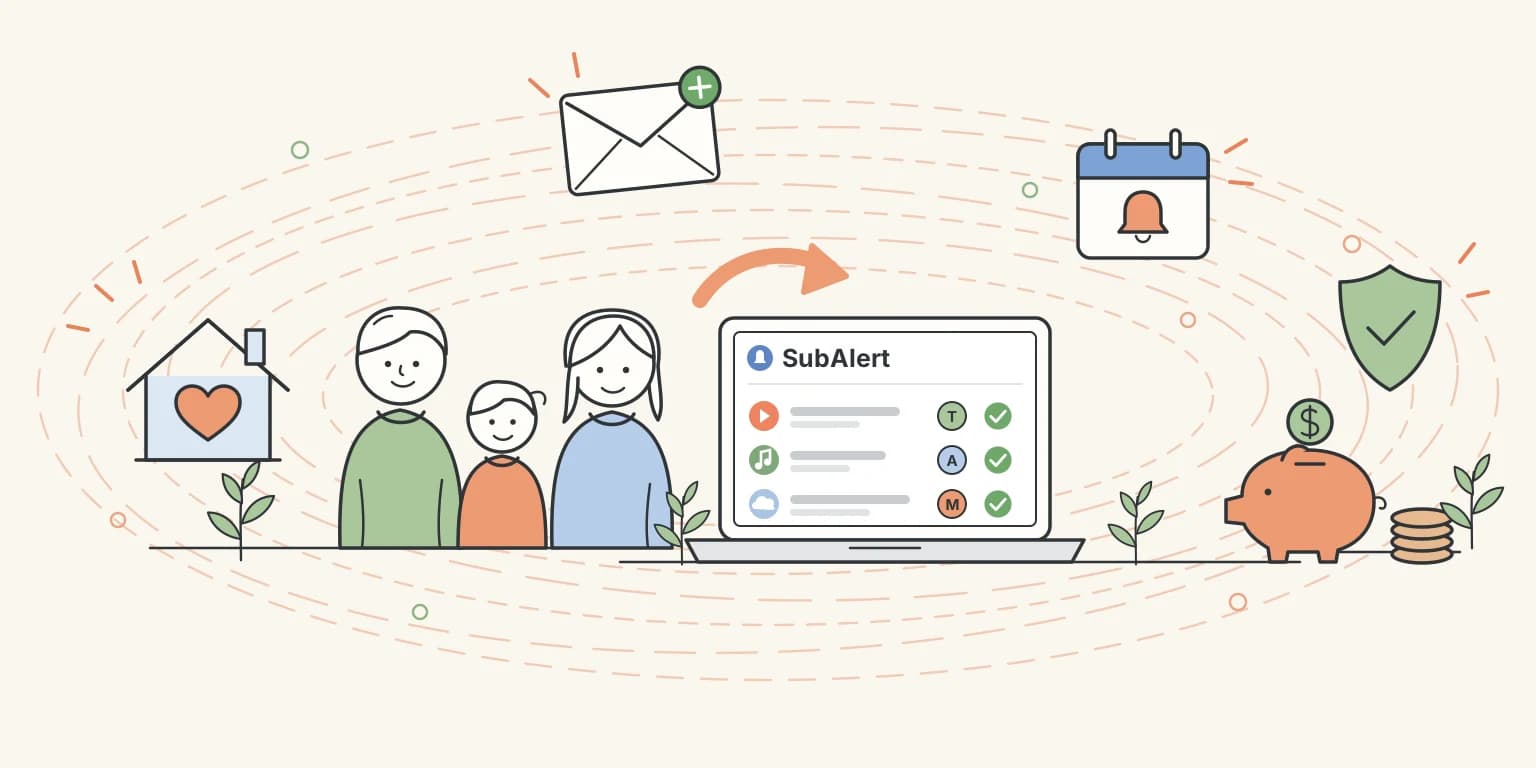
Family Sharing: One Subscription List for Your Whole Household
Subscriptions are rarely just yours. The streaming service your partner signed up for, the music plan you pay for the whole family, the gym membership, the newspaper, the cloud storage. When each person tracks their own, nobody sees the full picture, and the same service is easily paid for twice. With family sharing, everyone in your household works from one shared subscription list.
How It Works
Family sharing is available on the Pro and Premium plans. The person who sets it up becomes the family owner and can invite up to four others, so a family has room for five people in total.
- Open Settings → Family and enter the e-mail address of the person you want to invite. Click Send invite.
- They receive an e-mail letting them know you invited them. The invitation is valid for 7 days.
- They sign in, or sign up, with that e-mail address and open Settings → Family in their own account.
- They click Accept. From that moment, you both see the same subscriptions.
There's no link to click in the e-mail. The invitation only works for an account with the exact e-mail address you invited, so a forwarded e-mail is useless to anyone else.
What Your Family Shares
Once someone joins, the whole family works from the same list:
- One dashboard. Your upcoming payments, monthly total and spending insights cover every subscription in the household, not just yours.
- One subscriptions table. Everyone can add, edit and remove subscriptions. A forgotten free trial gets caught, no matter who started it.
- One set of analytics. See what your household spends per category and per month, so you can budget together.
- Who added what. Every subscription remembers the person who added it. Switch on the Added by column from the Columns menu, sort by it, or use the Added by filter to see one person's subscriptions at a glance. On your phone, each card shows who added it.
What Stays Personal
Sharing your subscriptions doesn't mean sharing everything:
- Your own account. Everyone keeps their own login, plan and settings.
- Your bank connections. A bank connection only belongs to the person who linked it. Subscriptions it finds appear in the shared list, but nobody else gets access to your bank.
- Your reminders. Payment reminders and summary e-mails go to the person who added the subscription, using their own e-mail preferences. A couple gets one reminder per subscription, not two.
Only One Paid Plan Needed
Members don't need a paid plan of their own. The owner's Pro or Premium plan covers the whole family.
If the owner moves back to the Free plan, sharing is paused rather than removed. Everyone sees only their own subscriptions again, and the Family section explains why. Members and pending invitations are kept, so when the owner upgrades again, the shared list returns straight away. Nobody has to be invited again.
Leaving Is Simple
Plans change, and so do households. Family sharing is built so nobody loses anything:
- Members can leave at any time from Settings → Family.
- The owner can remove a member, cancel a pending invitation, or dissolve the family altogether.
- Everyone takes their own subscriptions with them. Whatever you added stays in your account; whatever others added stays in theirs. Nothing is copied and nothing is deleted.
Who Is It For?
- Couples who share costs and want to see exactly what goes out each month.
- Families where one parent pays for the streaming, music and cloud plans the whole household uses.
- Housemates who split shared services and want one place to keep track of them.
Get Started
Already on Pro or Premium? Open Settings → Family and send your first invitation. It takes less than a minute, and the next time a subscription renews, your whole household will know about it.
Upgrade to Pro or Premium and start sharing
Have questions about family sharing? Visit our FAQ or reach out to our support team at support@subalert.app.